Getting Started

Collection of self help articles to help users get started using our playbook design software and other tools for coaches.
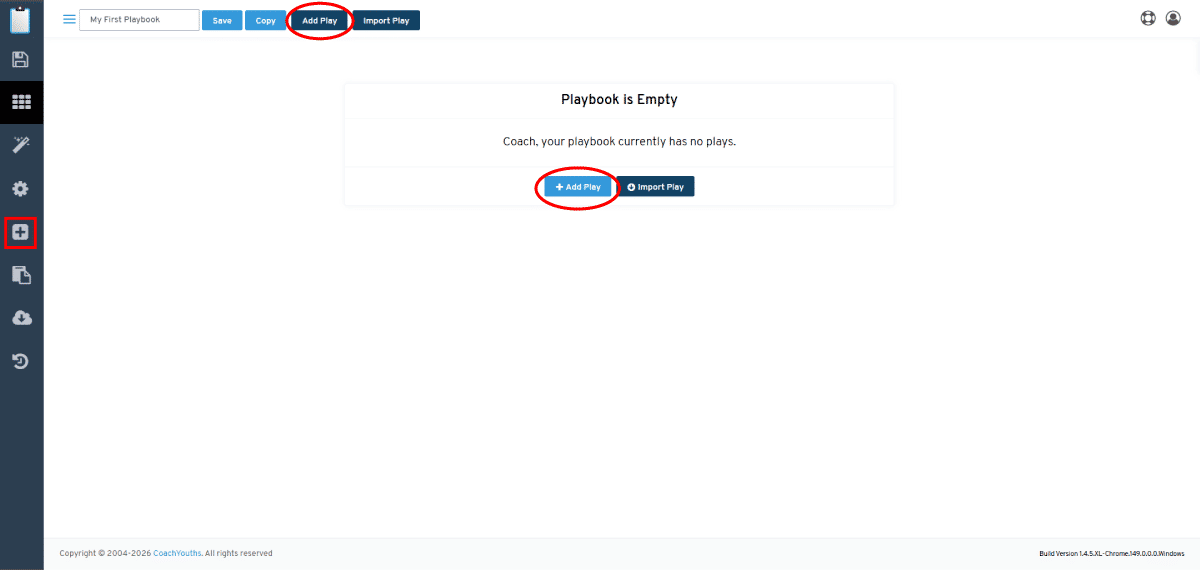
Adding First Play to Football Playbook -  Preview Image

Follow these simple steps to add the first play to your football playbook.

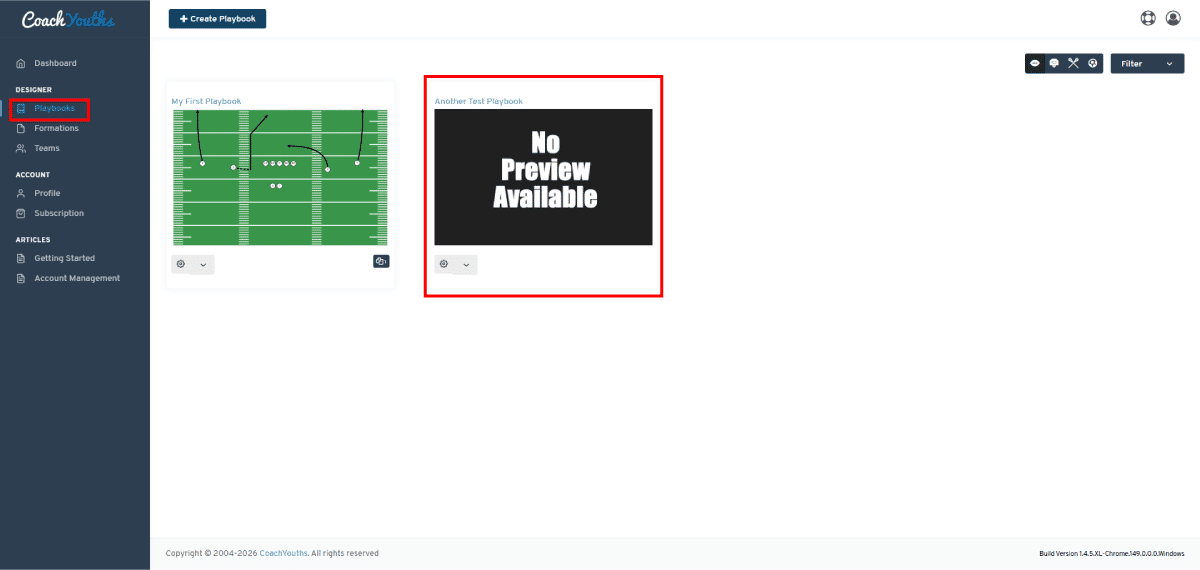
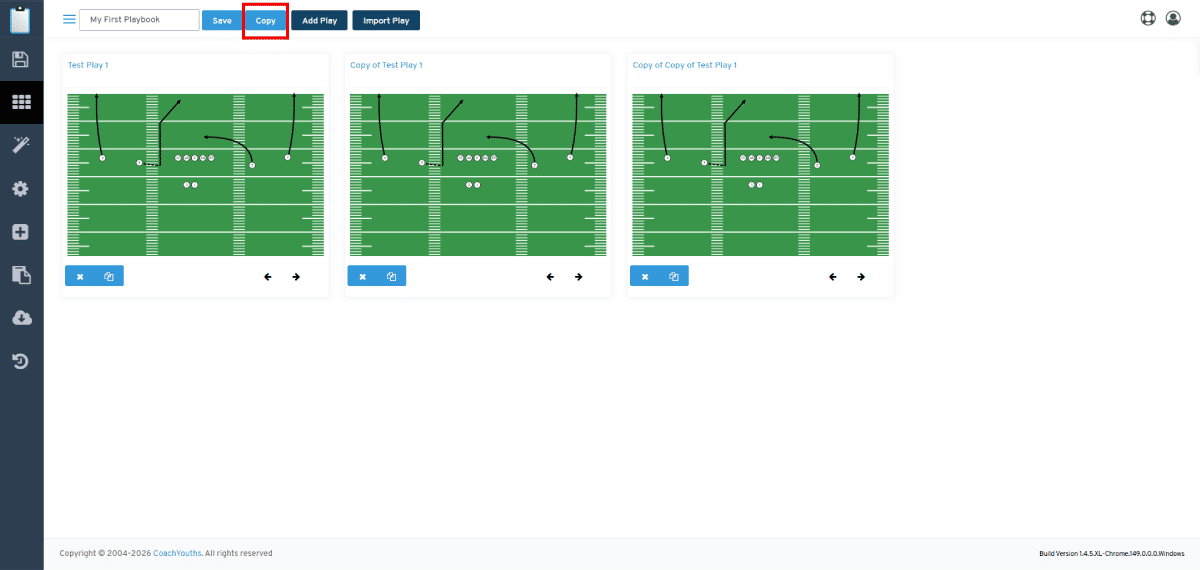
Copy a Playbook -  Preview Image

Save time by copying existing playbooks useful for week to week game planning against opposing offensive or defensive schemes.

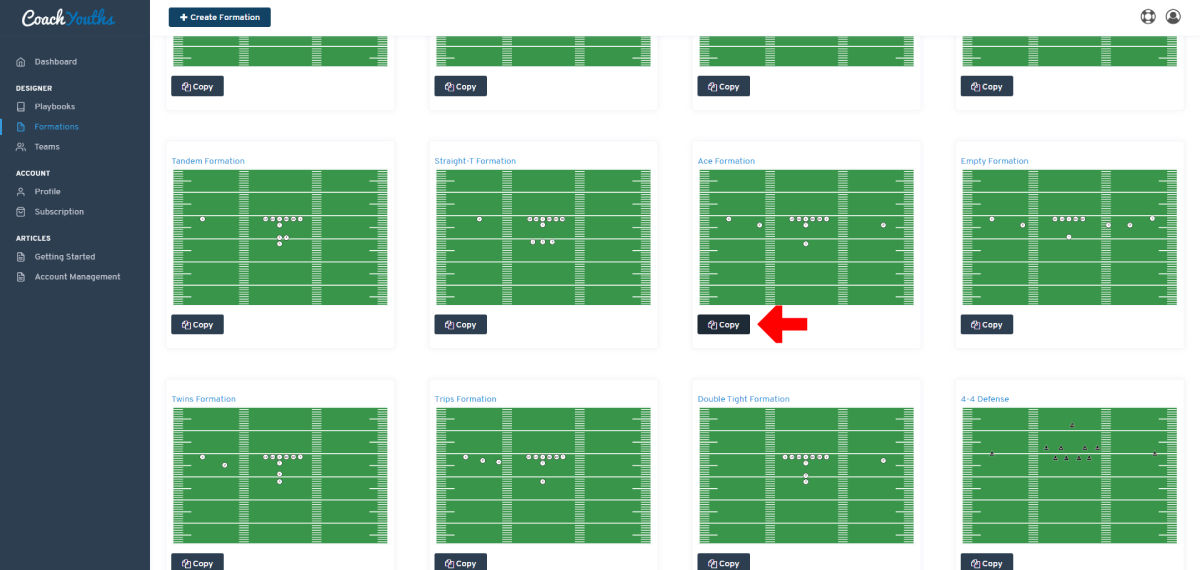
Copy A Preset Formation -  Preview Image

Save time by copying one of our built-in PRESET formations and customize it to be your own.

Create A Custom Formation -  Preview Image

Create your own customized formation templates to use in your playbooks.

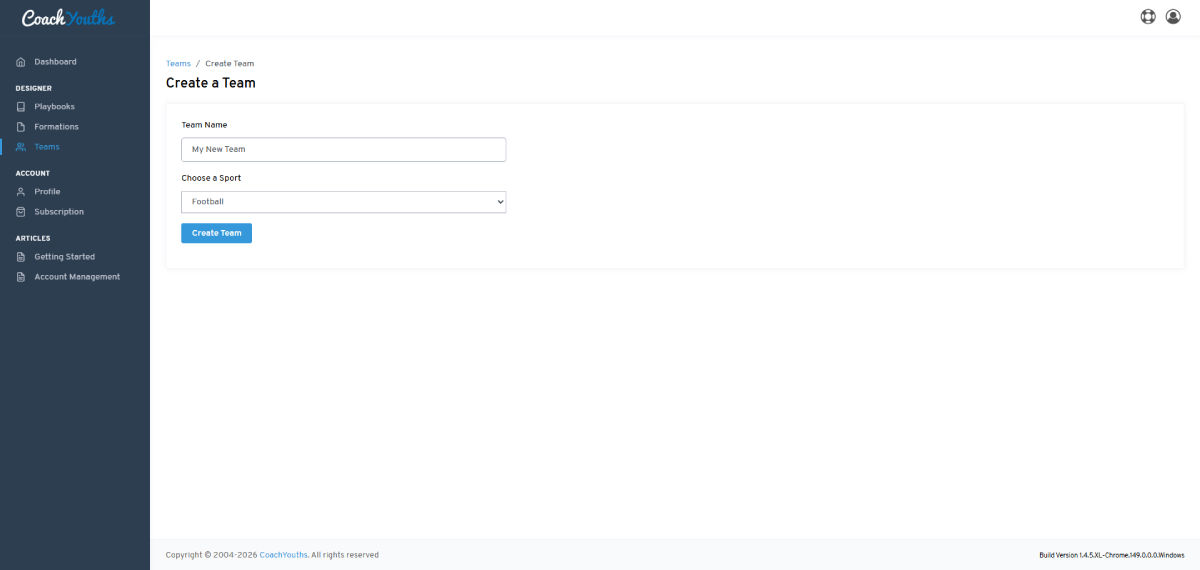
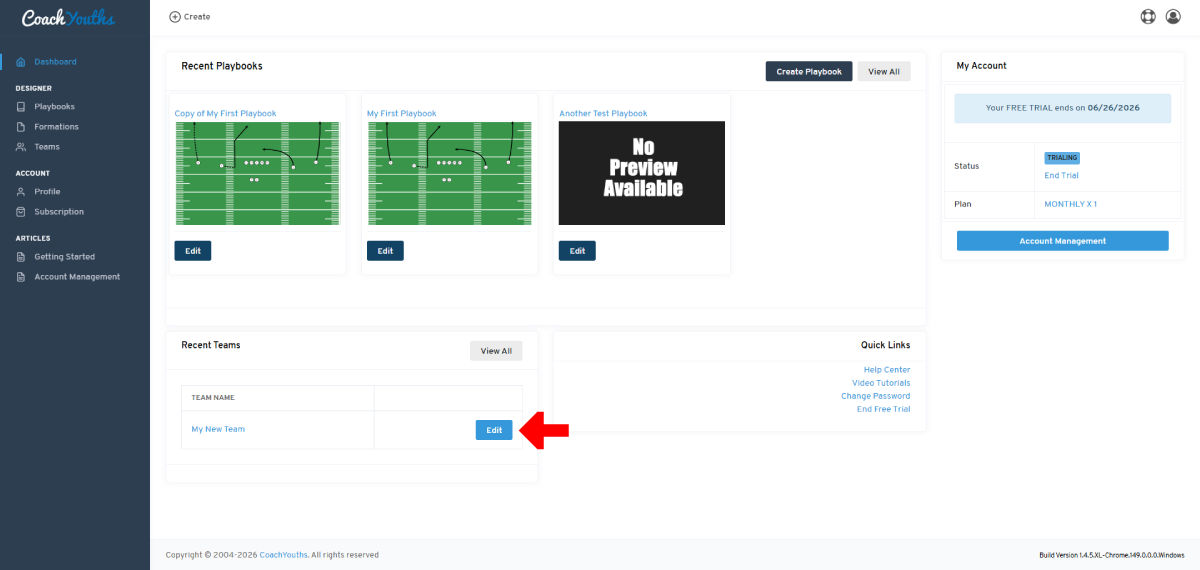
Create a Team -  Preview Image

Create a team to allow playbook sharing with your players, parents and you can even add other coaches to your team.

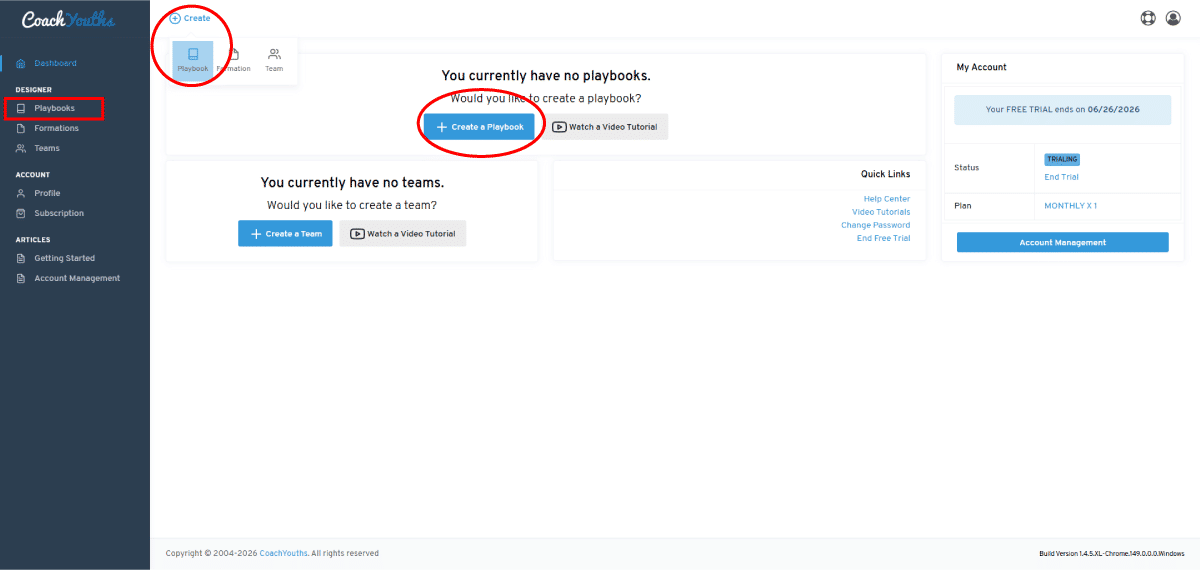
Creating First Football Playbook -  Preview Image

Learn how to create your first football playbook.

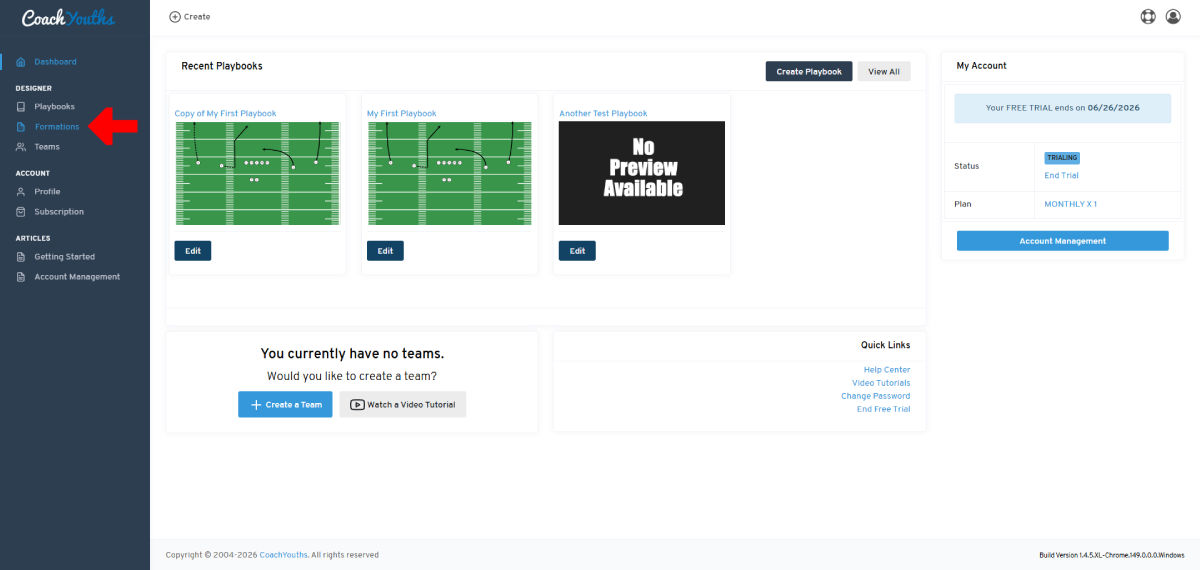
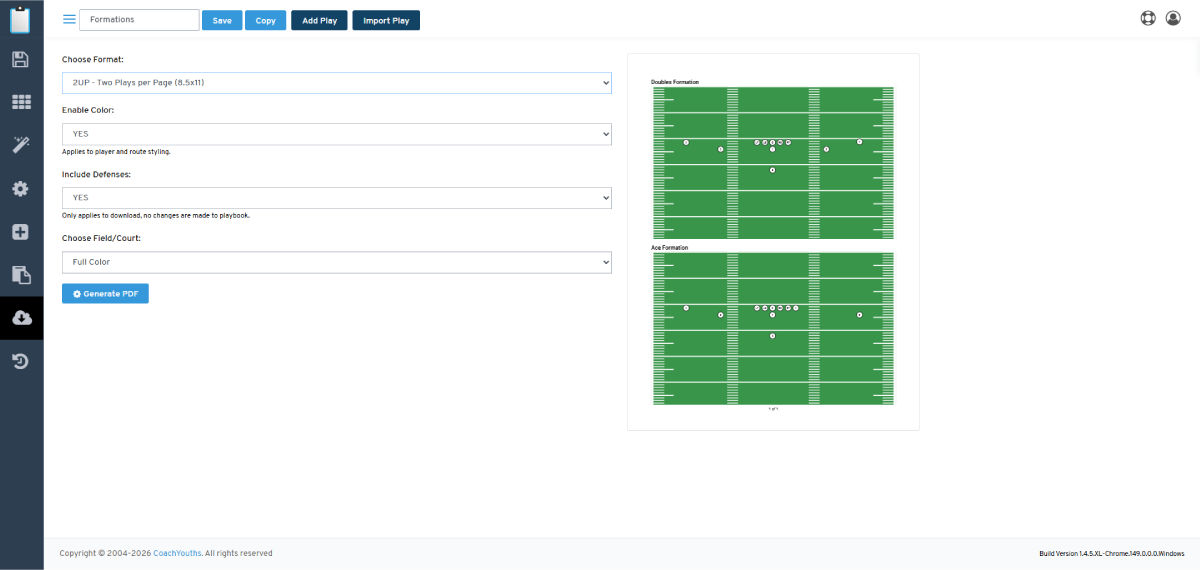
Download Formations -  Preview Image

Generating downloadable PDFs and other formats of your formations is slightly different that downloading playbooks, but this article will show you how to do it.

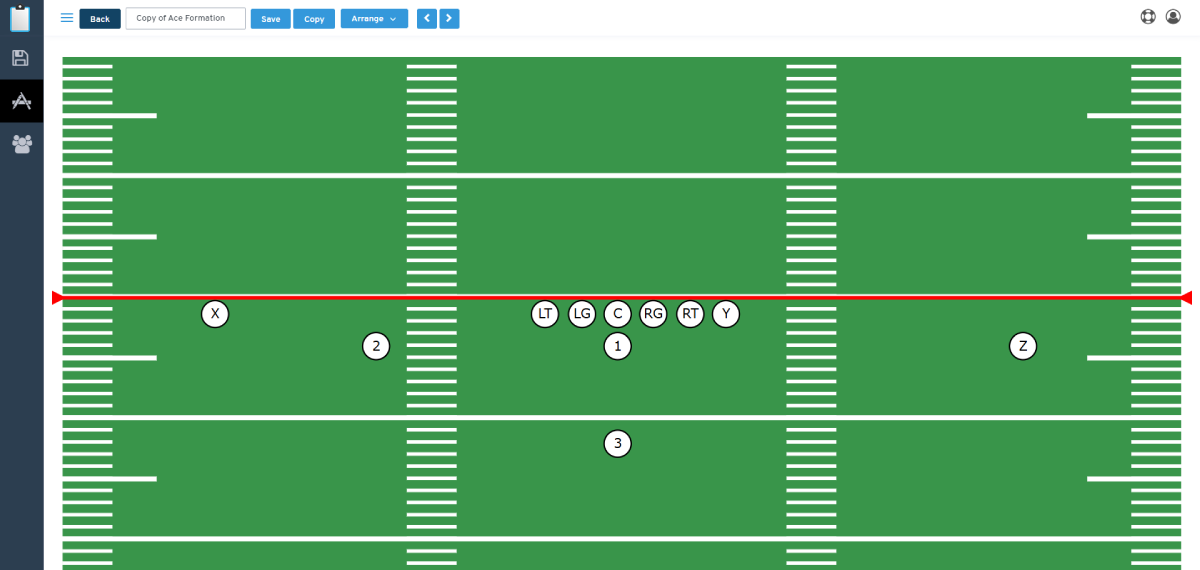
Editing A Formation -  Preview Image

This article will take a quick look at the most common formation editing tools you can use to customize your formations.

Importing a Play to a Playbook -  Preview Image

You can IMPORT an existing play from one existing playbook into another playbook at any time with just a few clicks.

Invite To Team -  Preview Image

Invite players,parents and coaches to your team to allow playbook sharing with your team.