Importing a Play to a Playbook
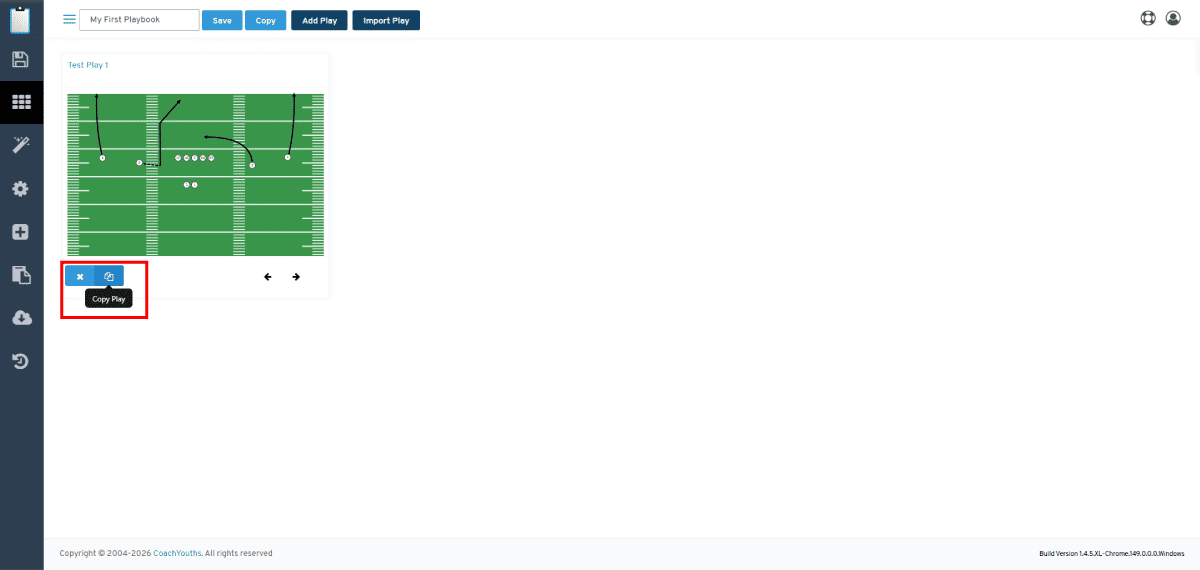
IMPORT any existing play into another playbook with just a few easy steps, which will only take a few clicks and a couple of seconds to complete..
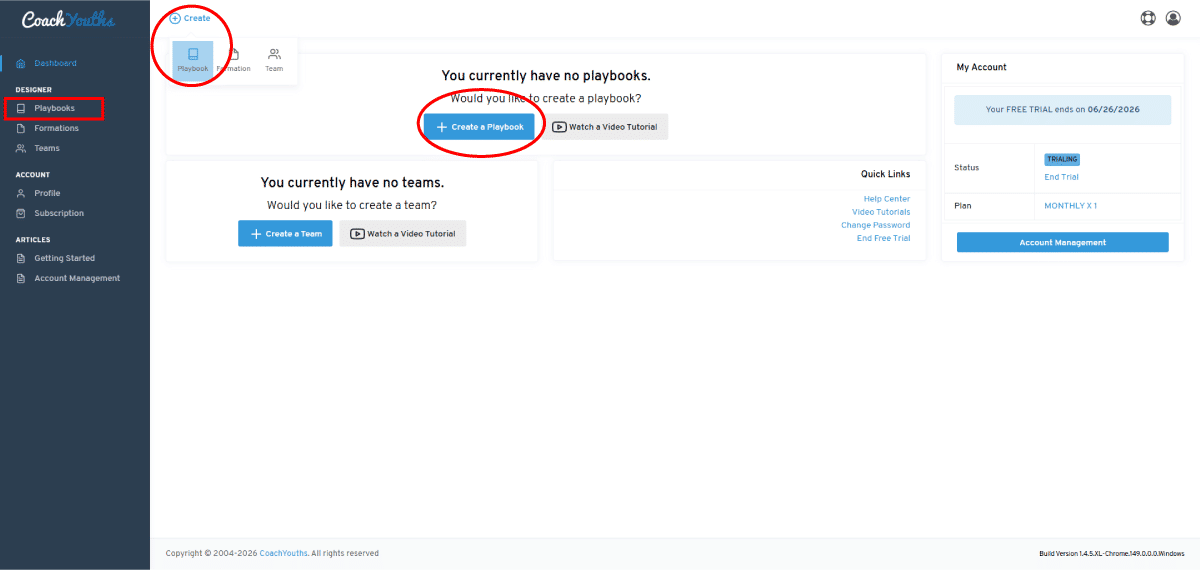
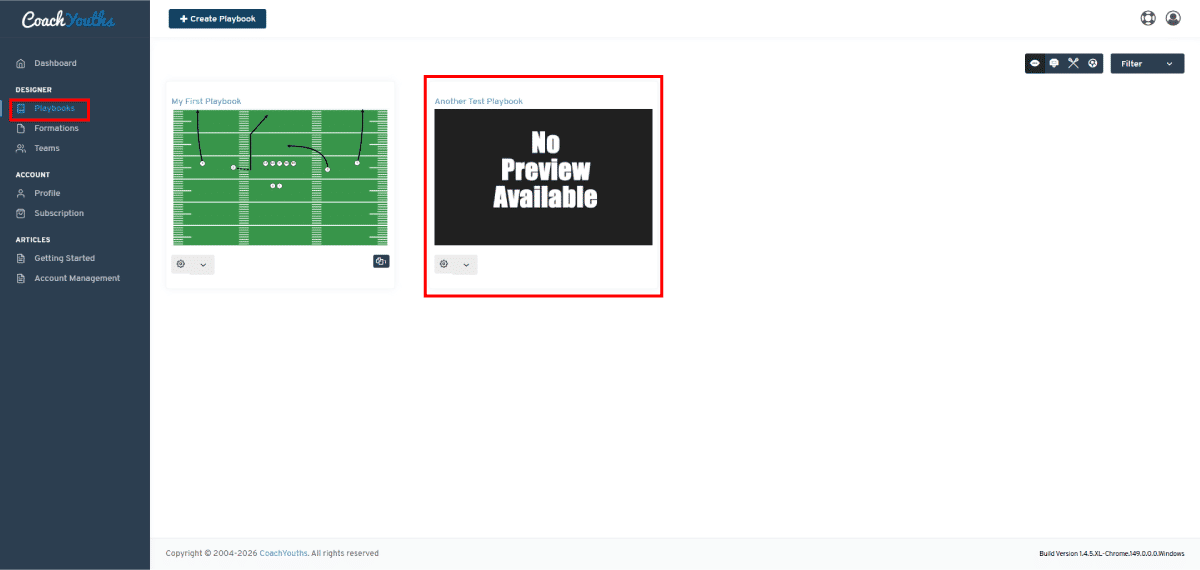
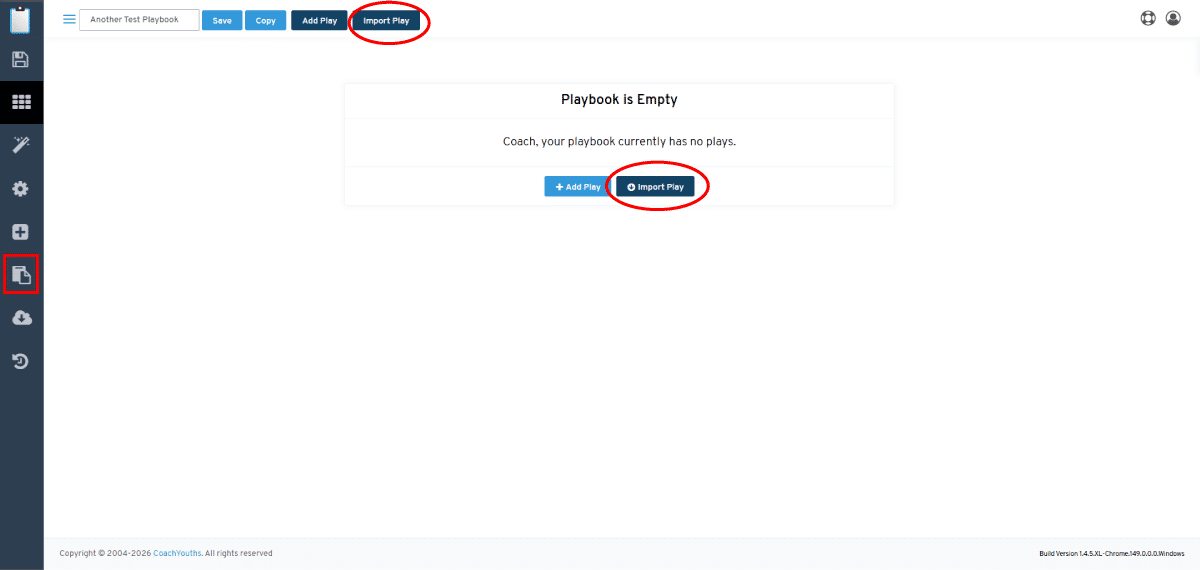
Step 1 - Go to Your Playbook
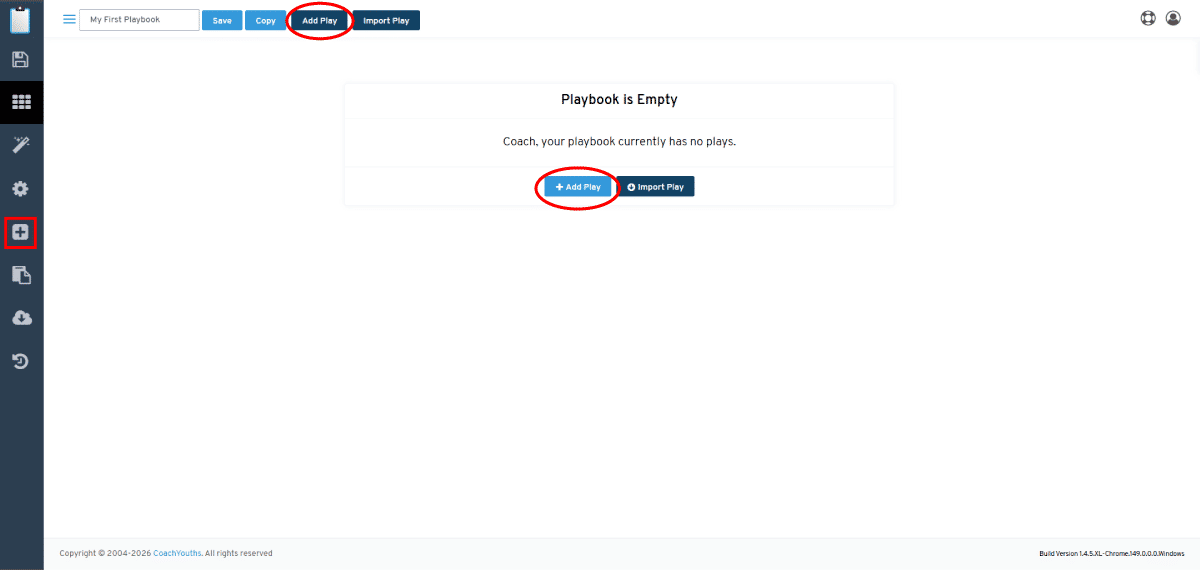
Step 2 - Go to Import Play Menu.
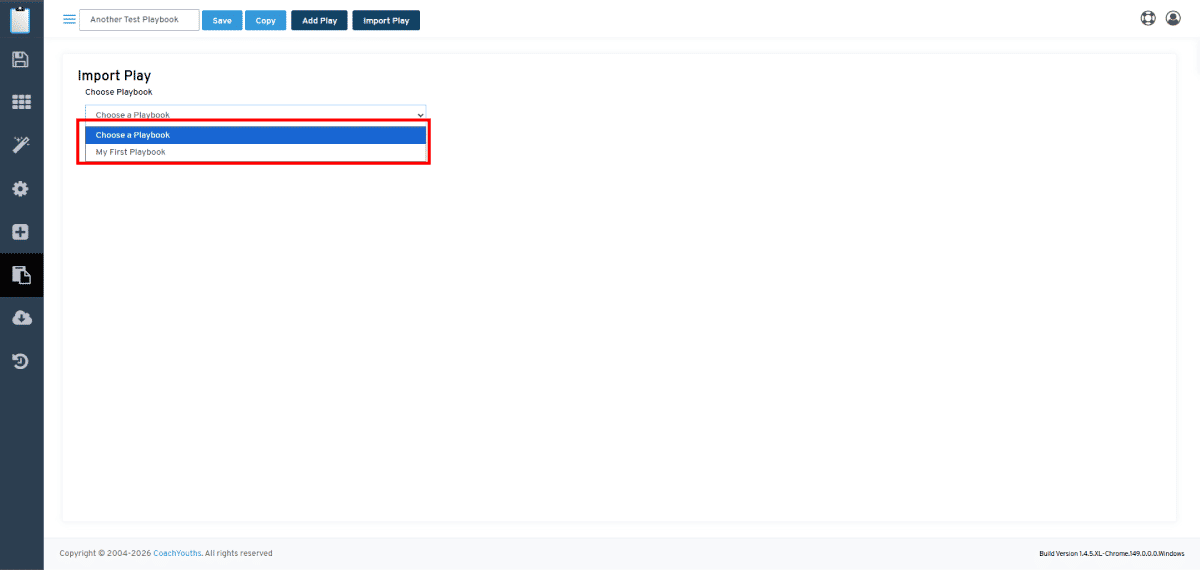
Step 3 - Choose the playbook to IMPORT "FROM".
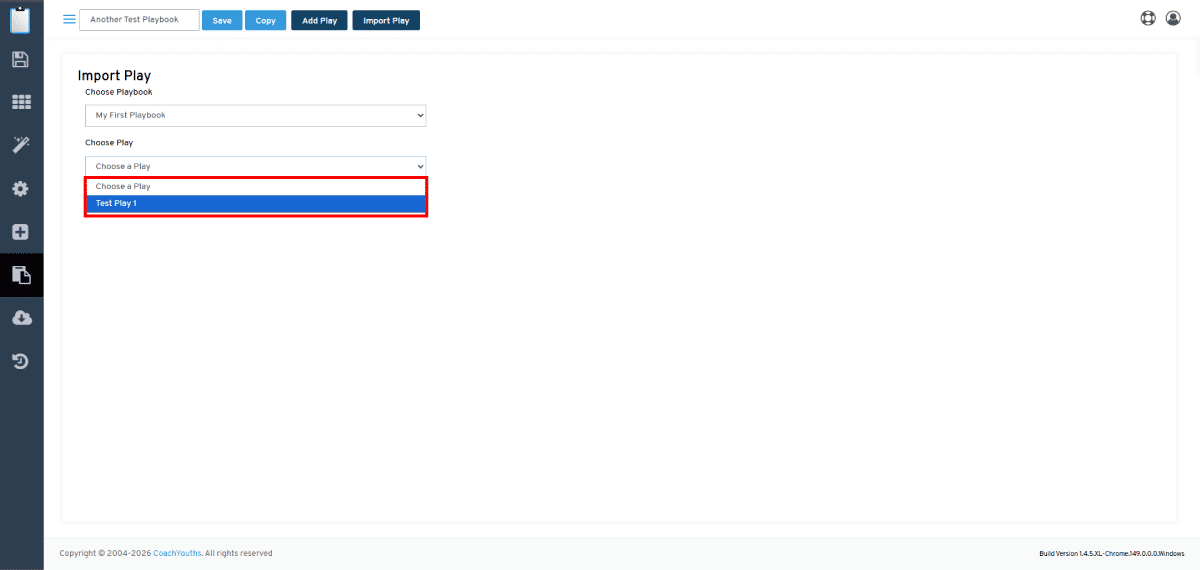
Step 4 - Choose the play you wish to IMPORT.
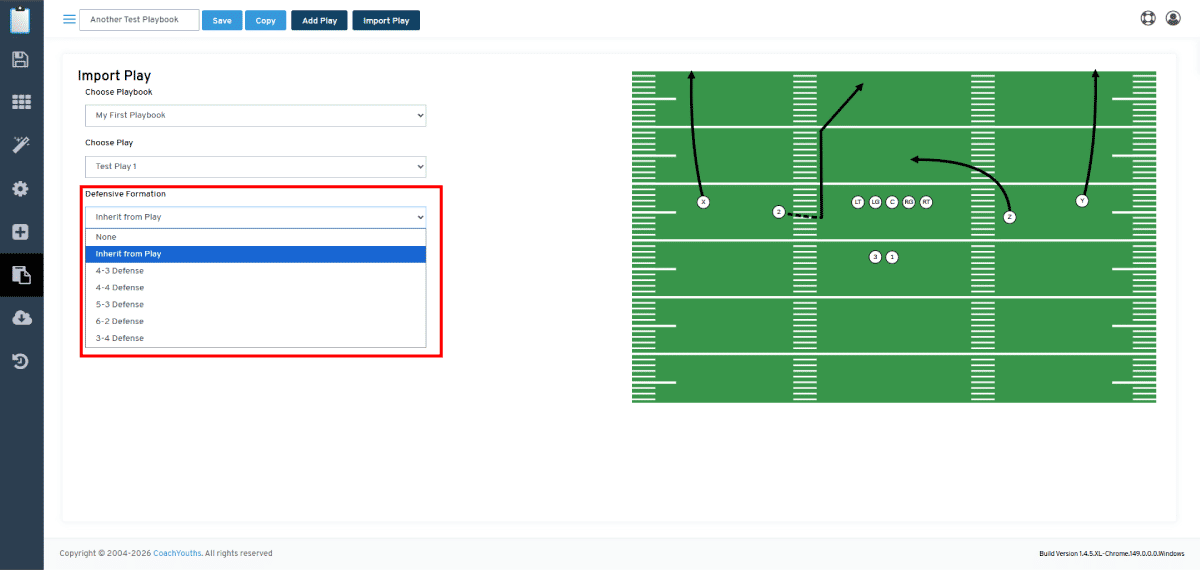
Step 5 - Verify IMPORT play and choose "Versus" formation.
Published by CoachYouths Staff on 06/15/2026
You are NOT currently logged in, you may login or signup for FREE at any time: