Play Editor

Self help articles to help users get to know and learn how to use all of the play editing tools available in our playbook design software.
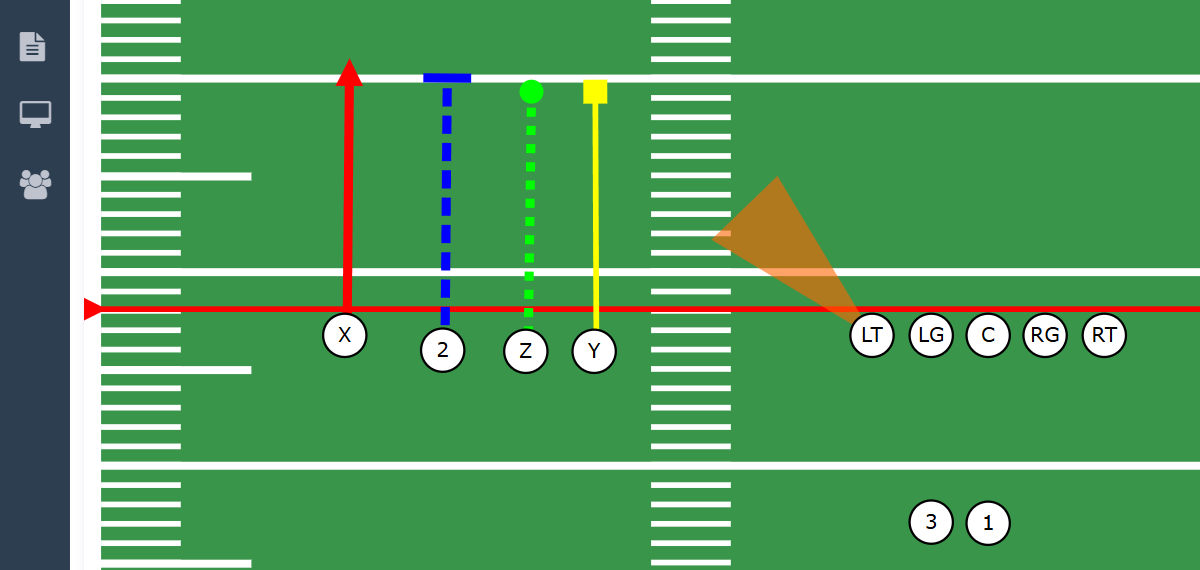
Add a Defense to Play -  Preview Image

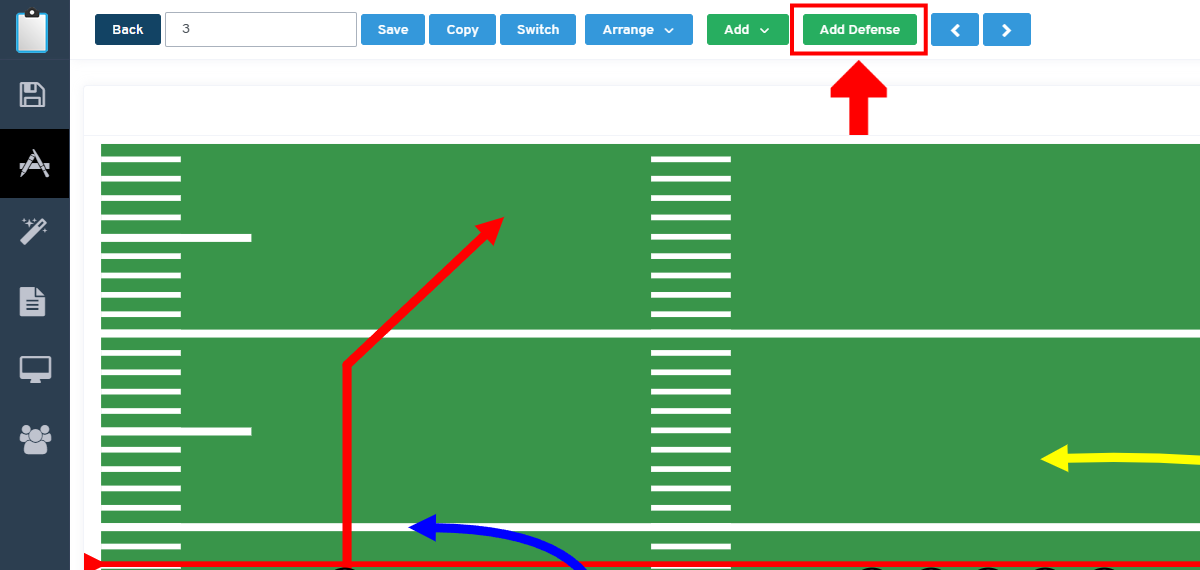
Add a VERSUS defense to your offensive play to show your players their exact execution against a specific defense.

Add a Offense to Play -  Preview Image

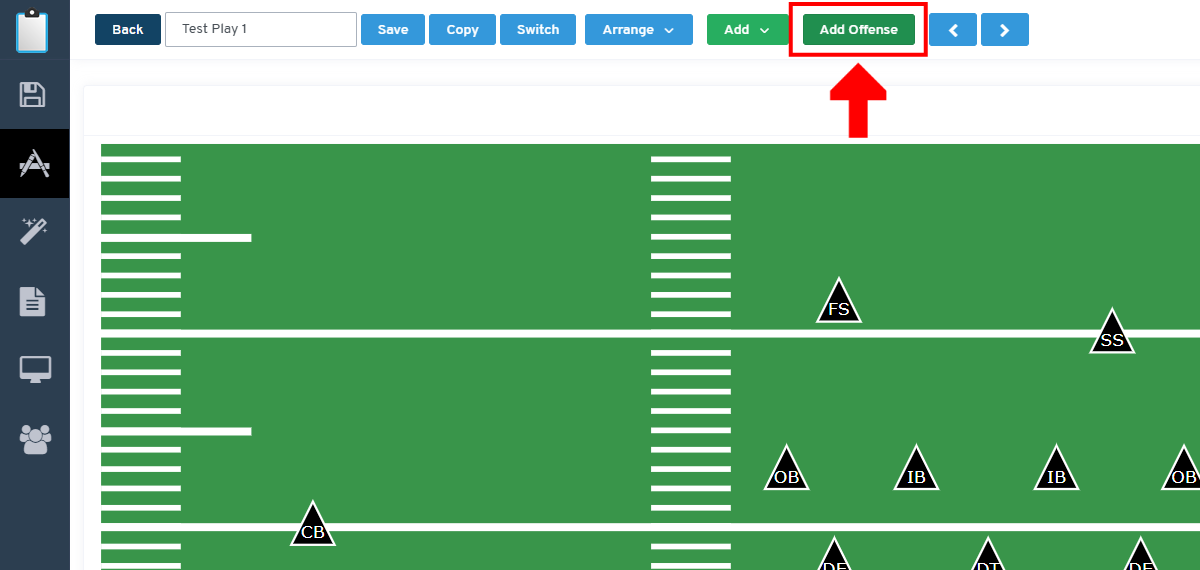
Add a VERSUS offensive formation to your defensive play to help your players understand the play execution against a specific offensive formation.

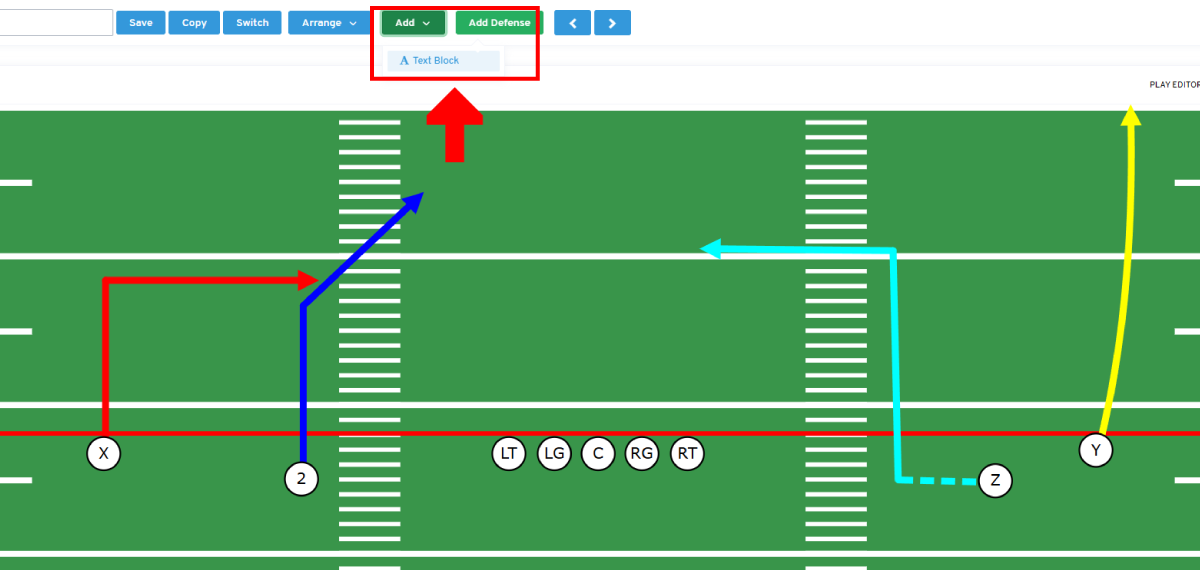
Add a Text Block to a Play -  Preview Image

Add simple block of text to your play diagram, very useful for short snippets of text to help your players understand the play diagram.

Customizing Your Route Drawings -  Preview Image

There are serveral customizable styling and functionality options for your player route drawings, this article will highlight how to use the.

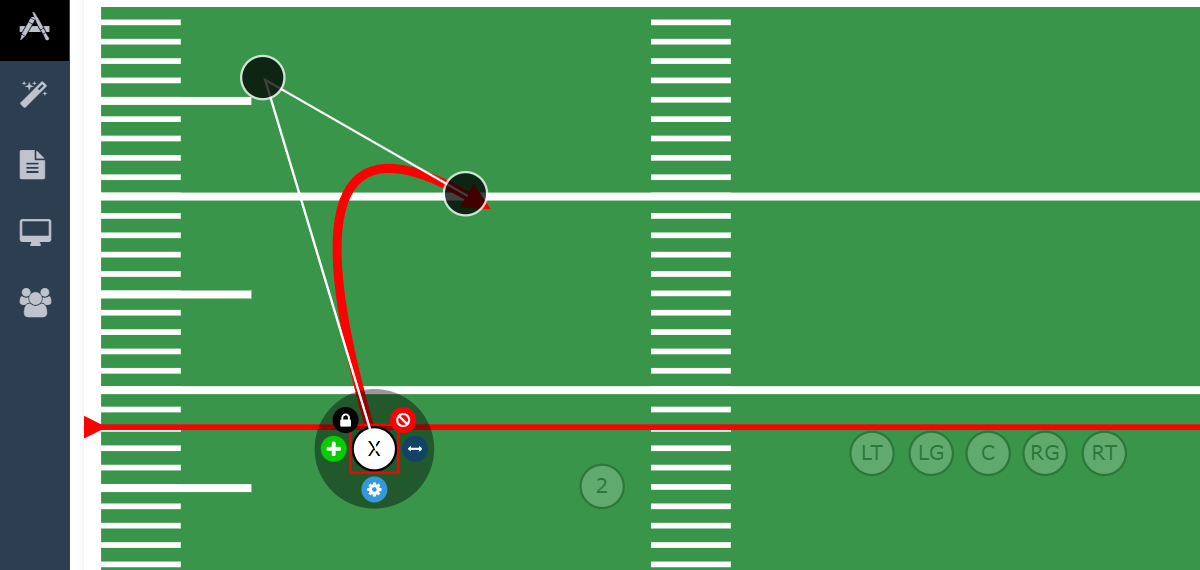
Drawing Routes -  Preview Image

Learn the basics of drawing player routes using our play editing software.

Editing Players -  Preview Image

Learn to edit your players styling, positioning and add route drawings.

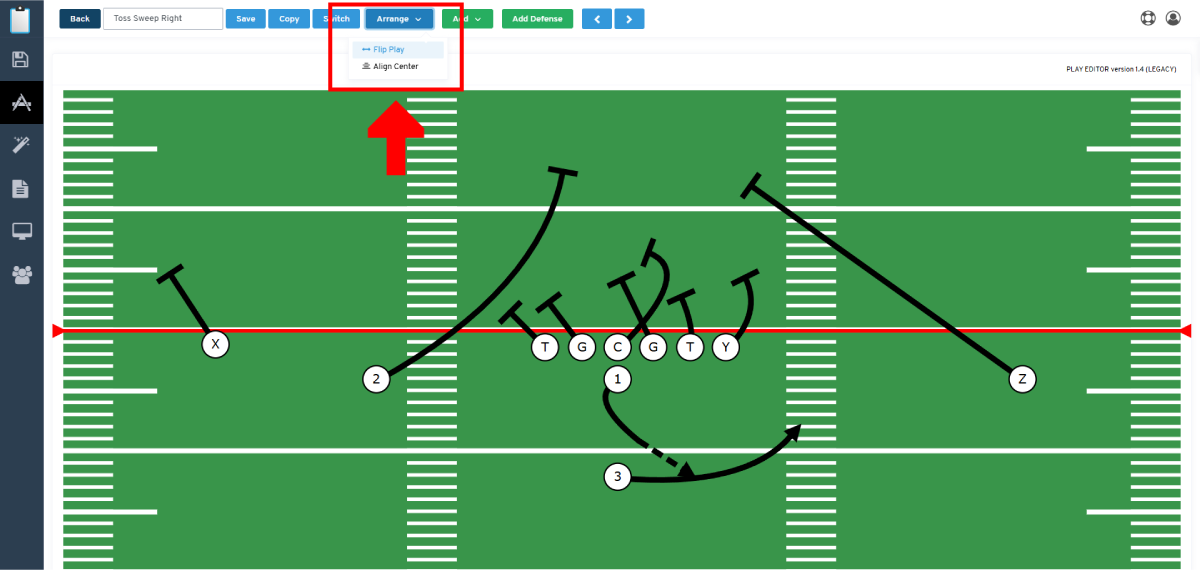
Flipping Plays -  Preview Image

Save time by creating mirror copies of plays using the FLIP PLAY tool, a sweep left becomes a sweep right with a single click.

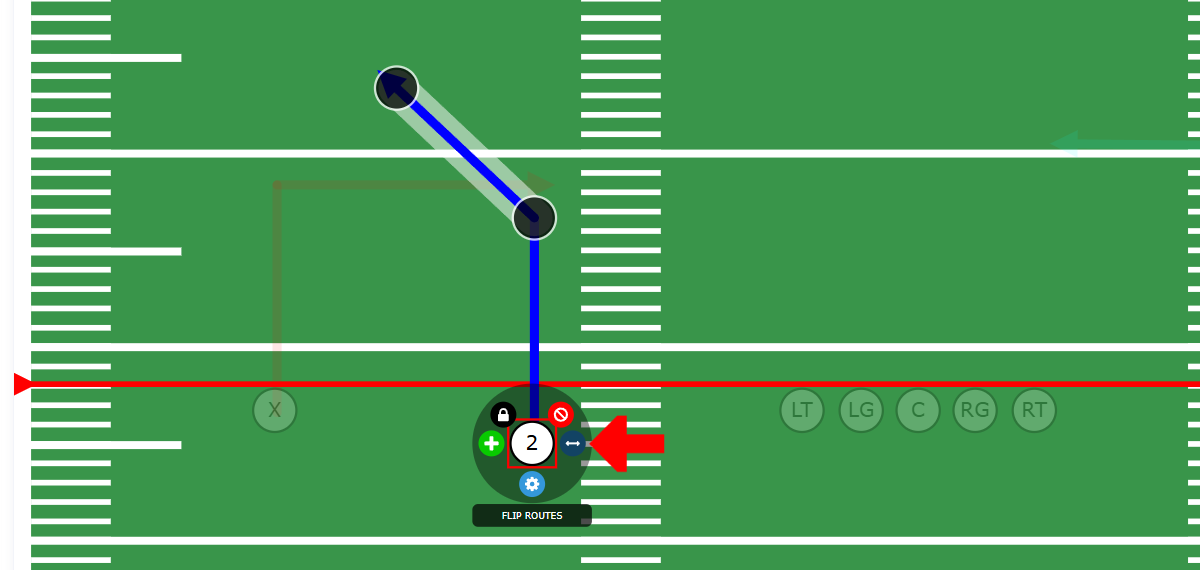
Flipping a Player's Routes -  Preview Image

Turn a POST route drawing into a CORNER route drawing with a single click using the FLIP ROUTES control.

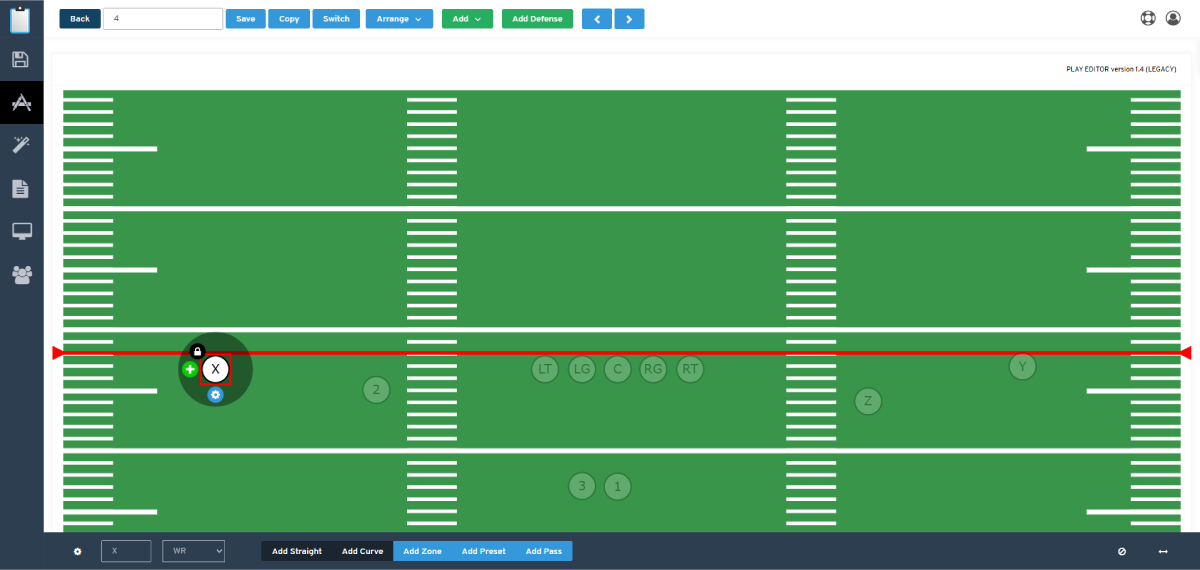
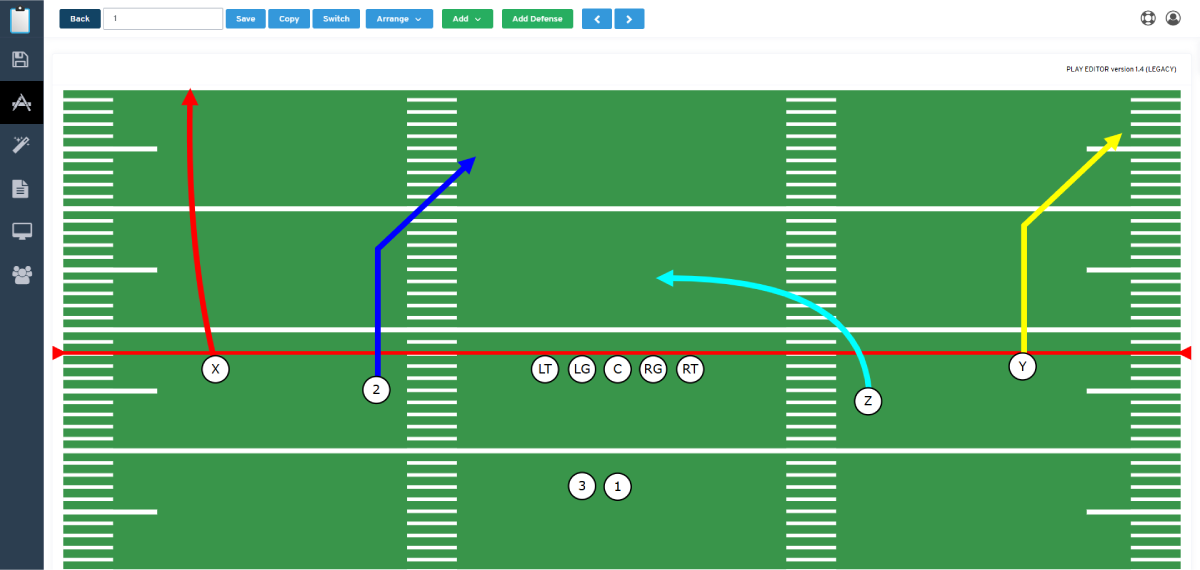
Play Editor Overview -  Preview Image

Take a quick overview look at the features you will be using in our play to design and draw your plays.

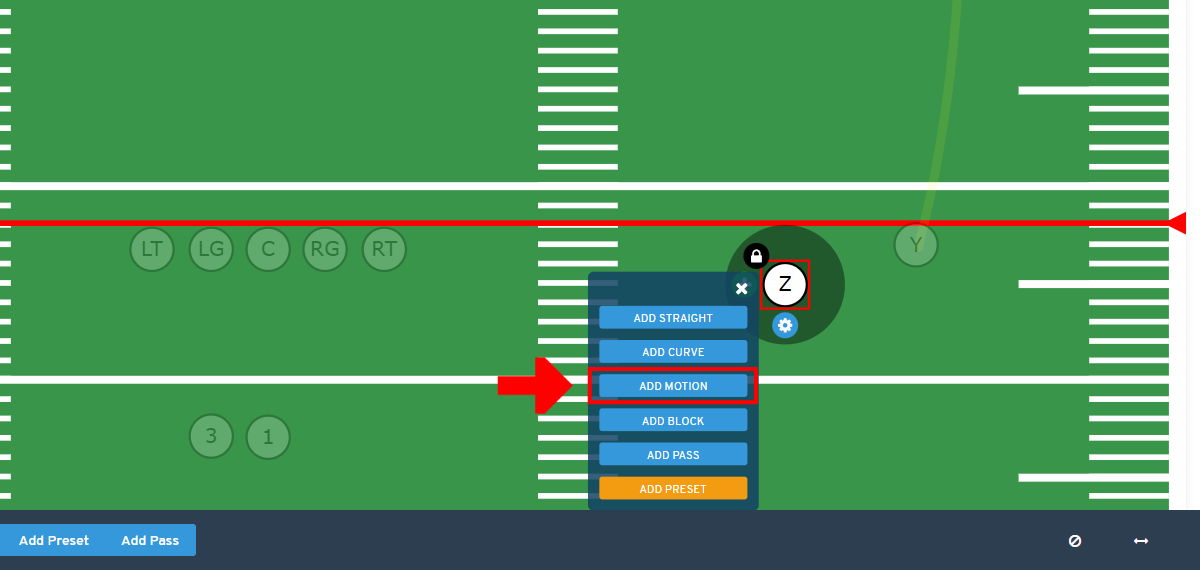
Using Presnap Motion Routes -  Preview Image

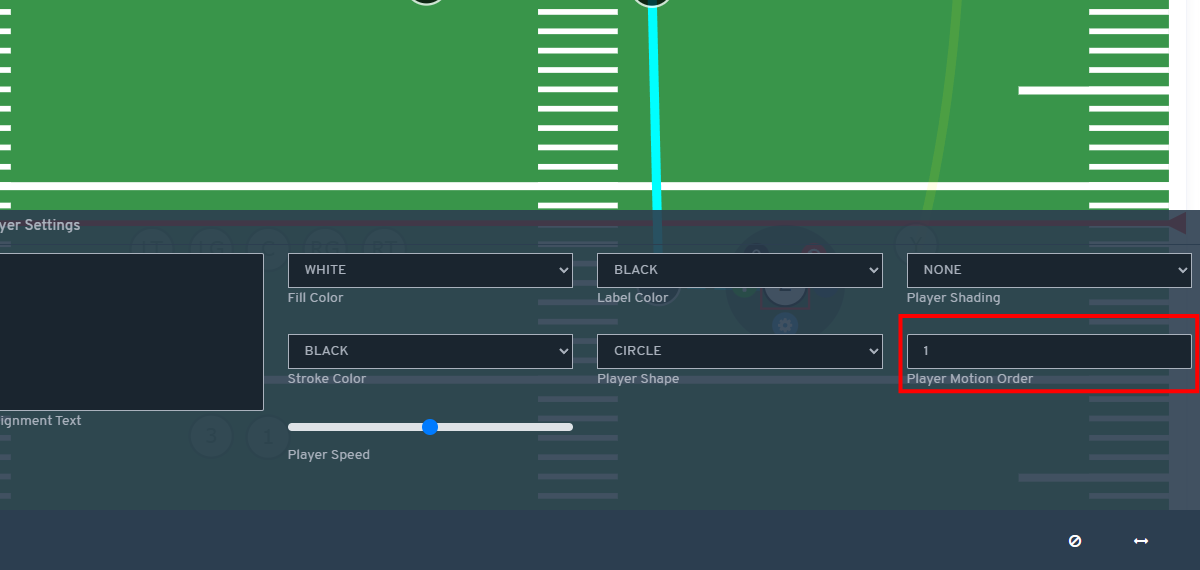
Add presnap motion routes to offensive football players.

Route Settings for Tutorial Mode -  Preview Image

There are some helpful route settings that will allow you to get the most out of our Tutorial mode animated plays.

Add Secondary Routes -  Preview Image

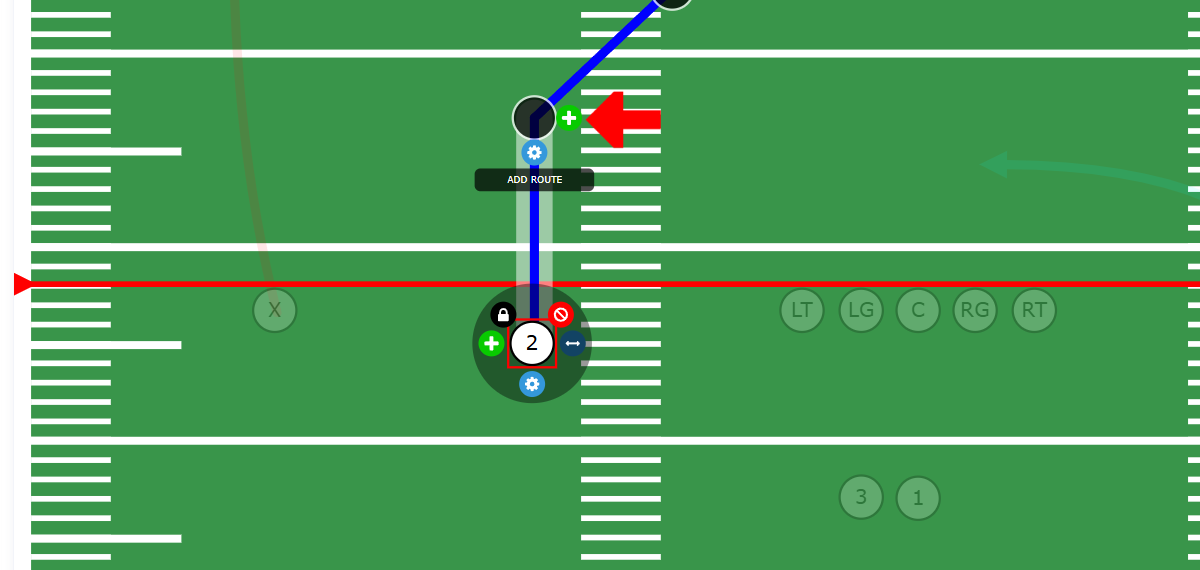
Players can have a secondary route drawing which is great for diagraming option routes or hot reads