Editing A Formation
This article will help you get started editing your custom formations by covering the most common features needed to get started.
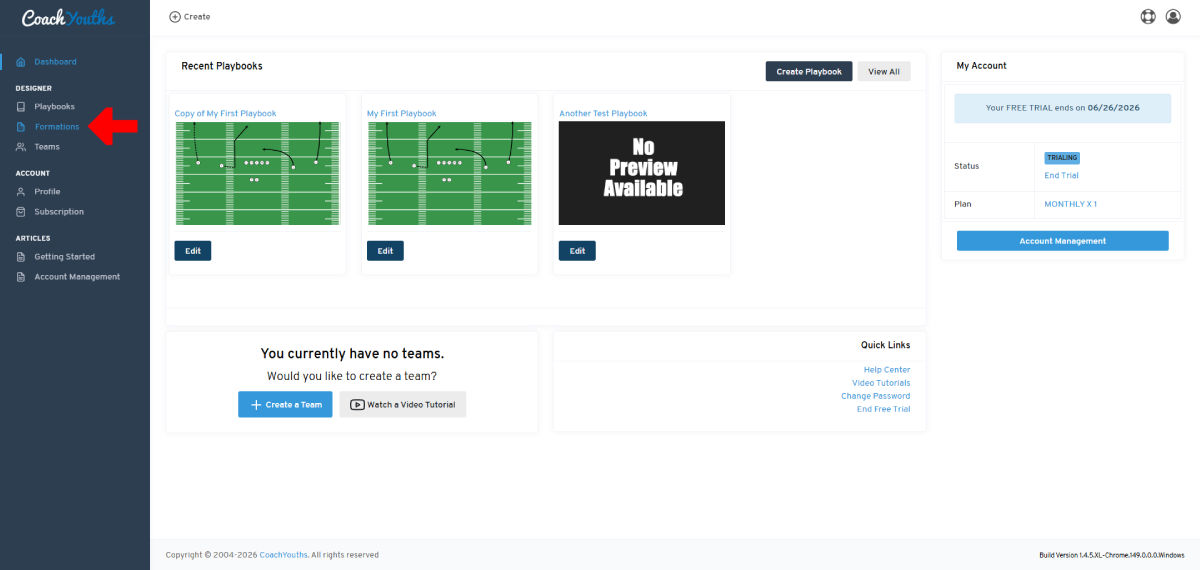
Step 1 - Go to Formations Page
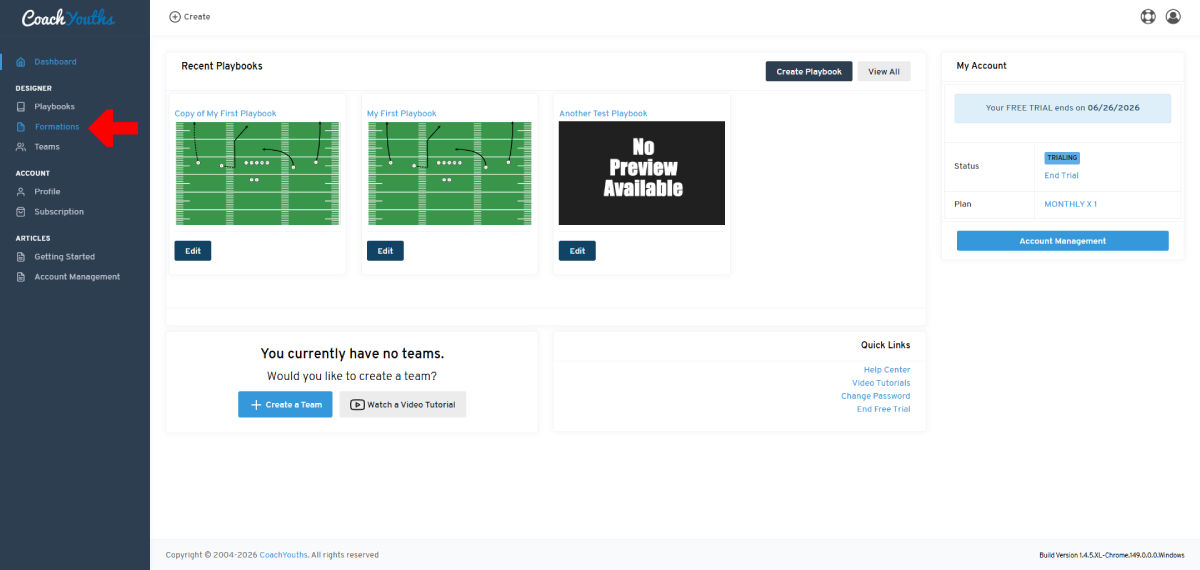
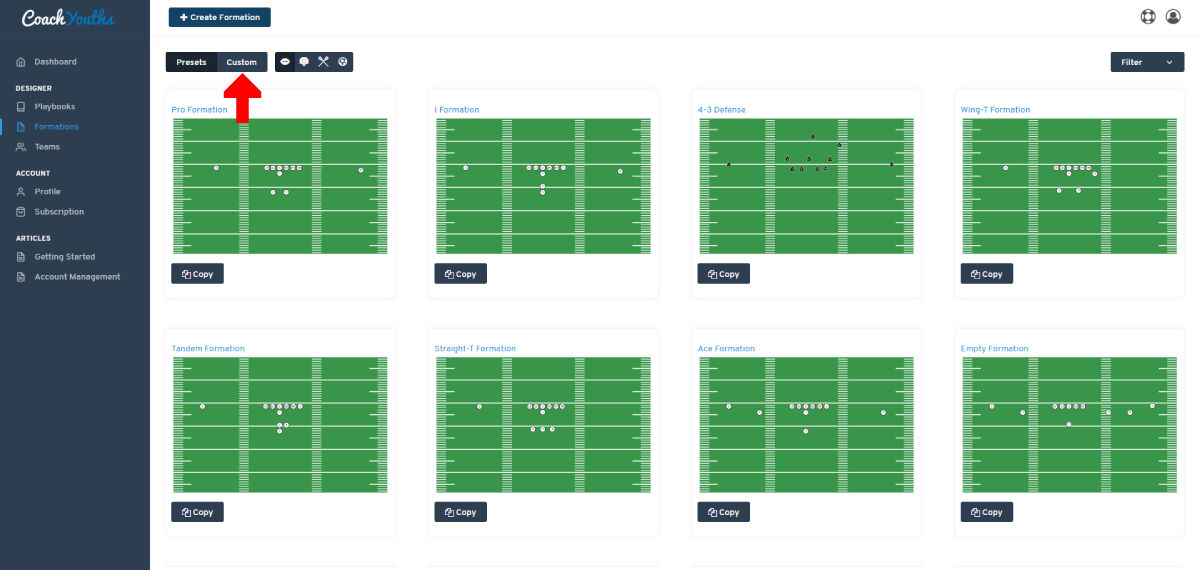
Step 2 - Select "Custom" Formations View
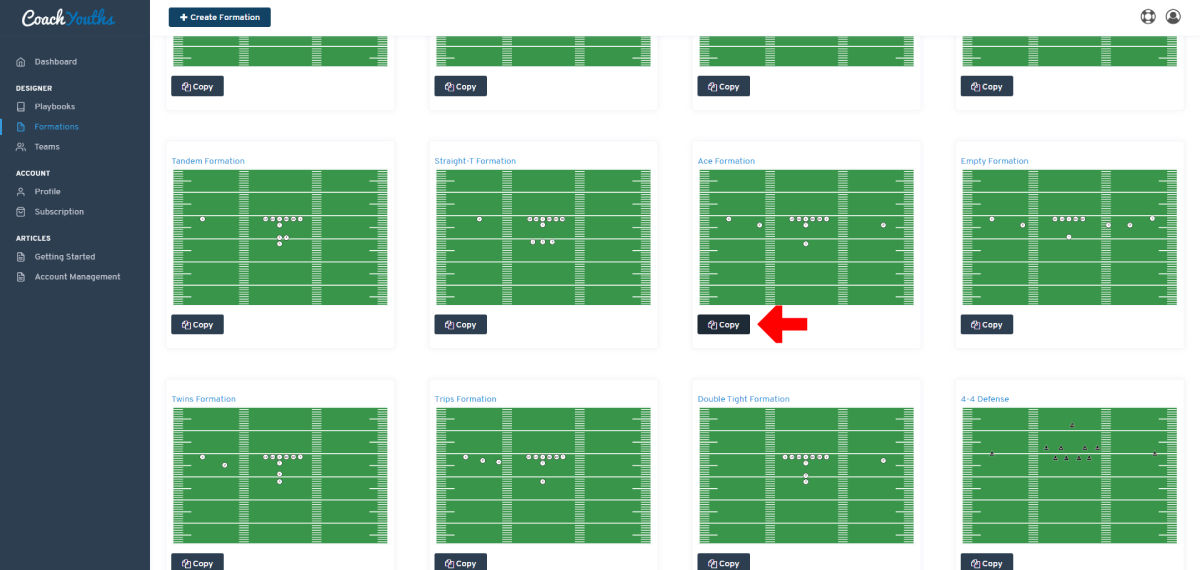
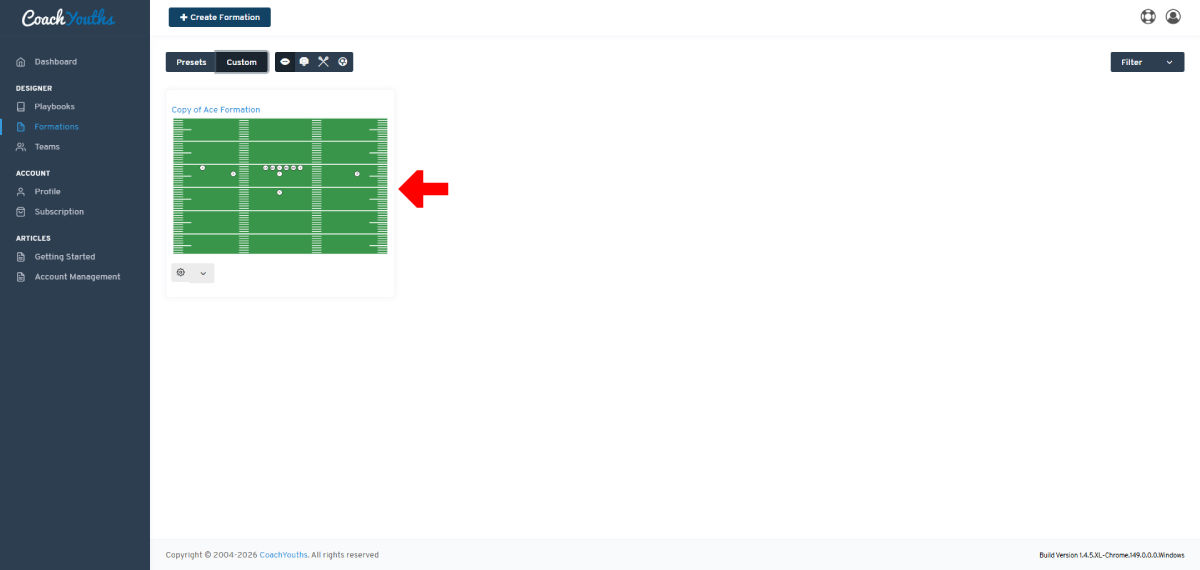
Step 3 - Choose the Formation to Edit
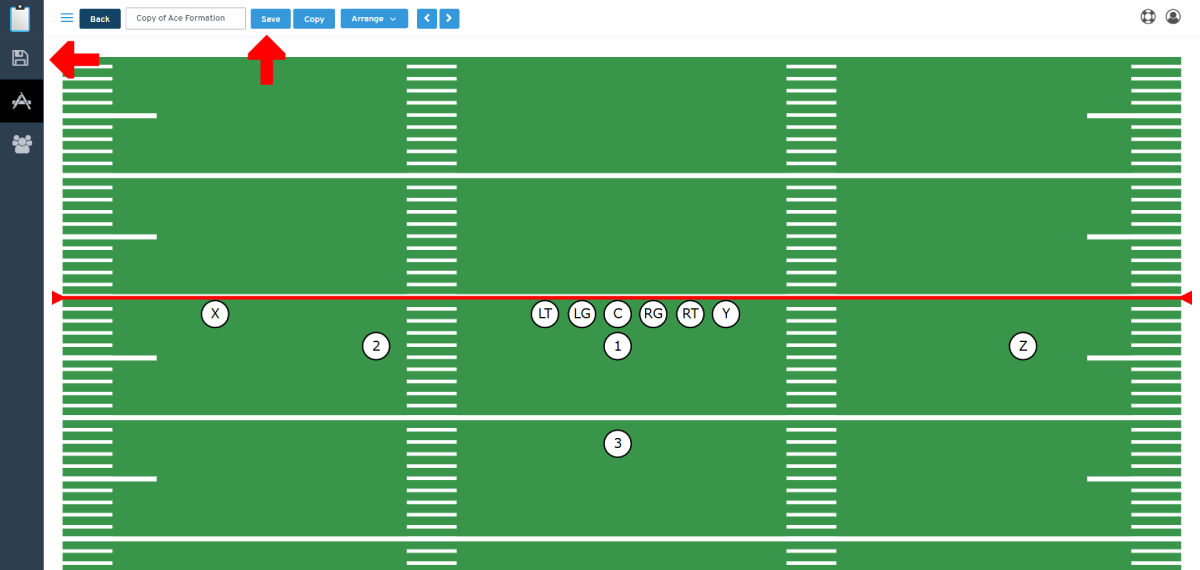
Feature: Save Formation
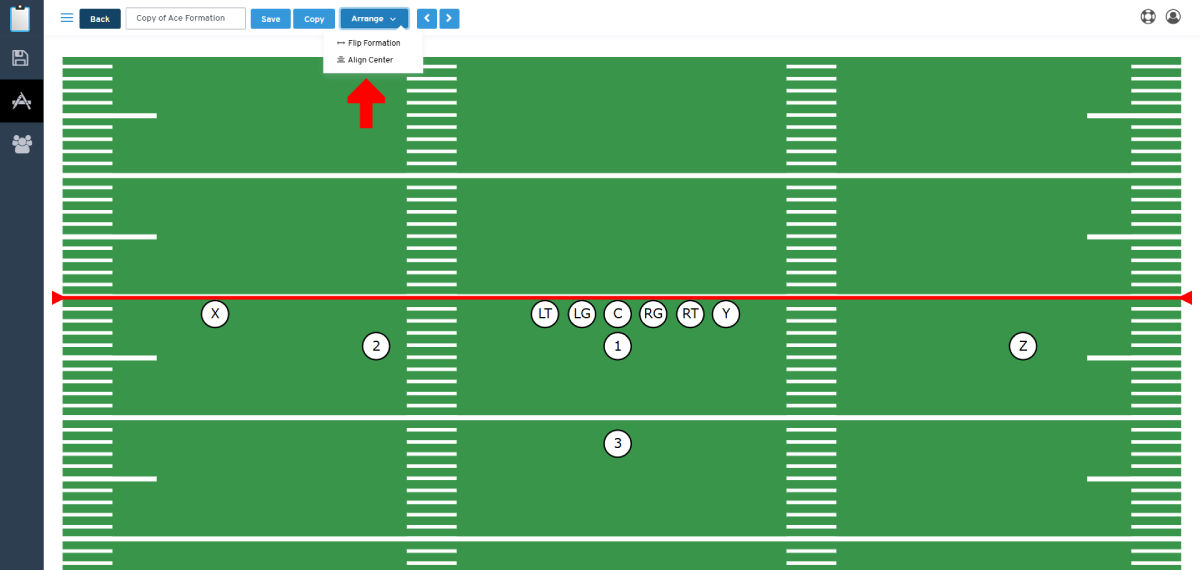
Feature: Arrange Formation
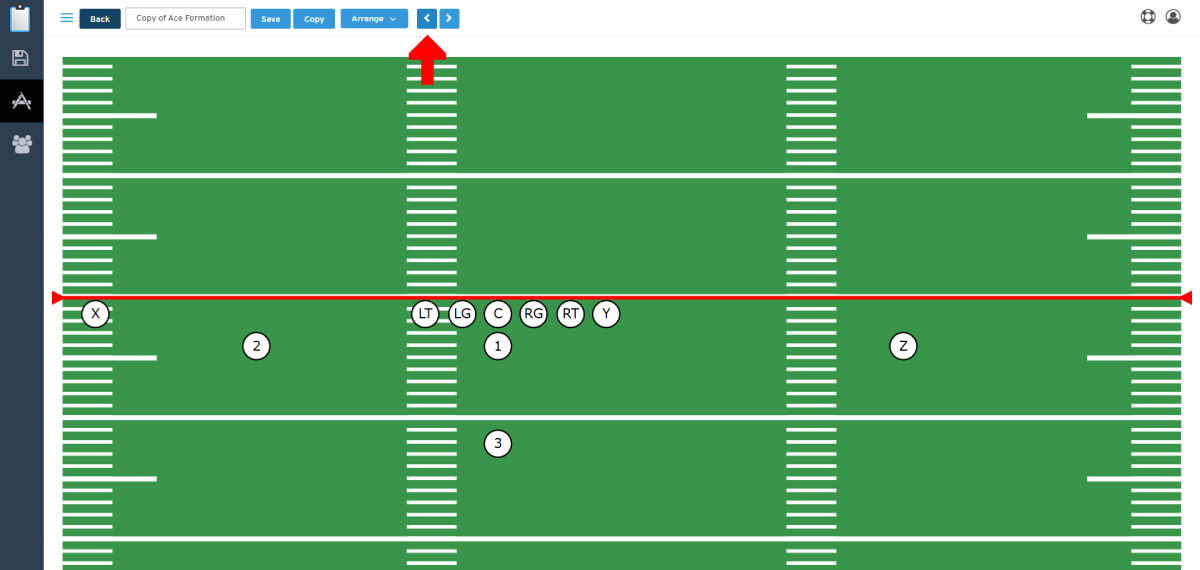
Feature: Shift Formation Left
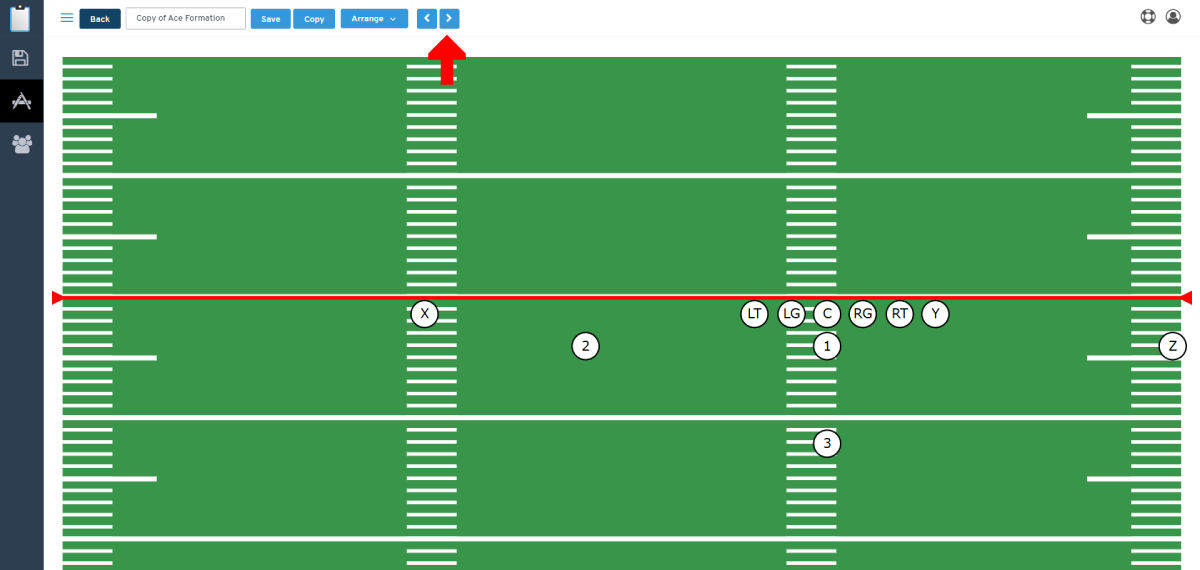
Feature: Shift Formation Right
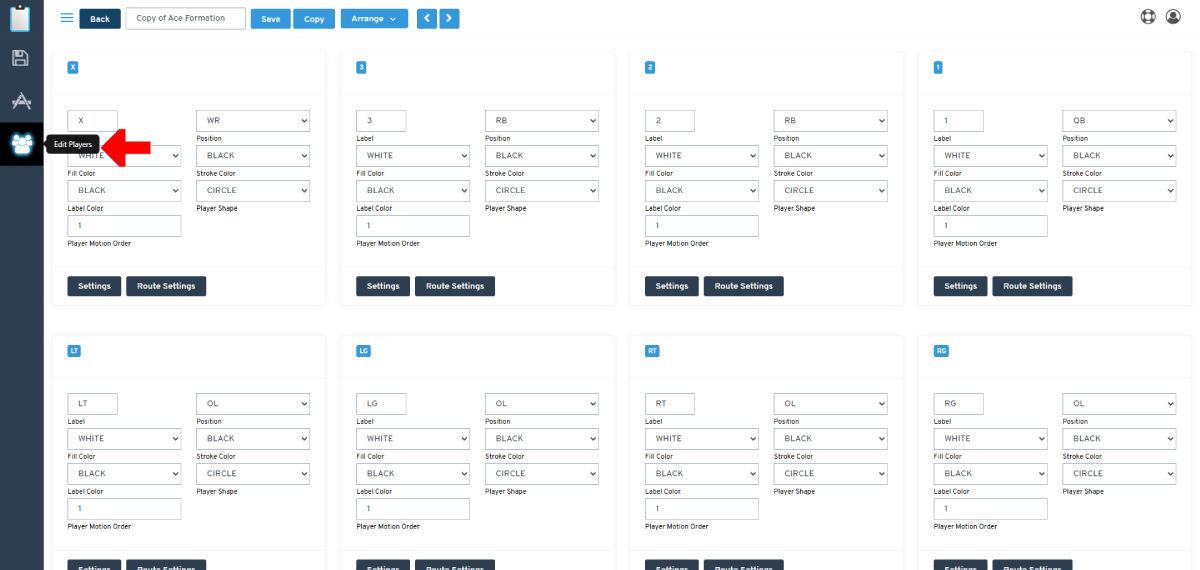
Feature: Edit Players
Feature: Select and Edit a Player
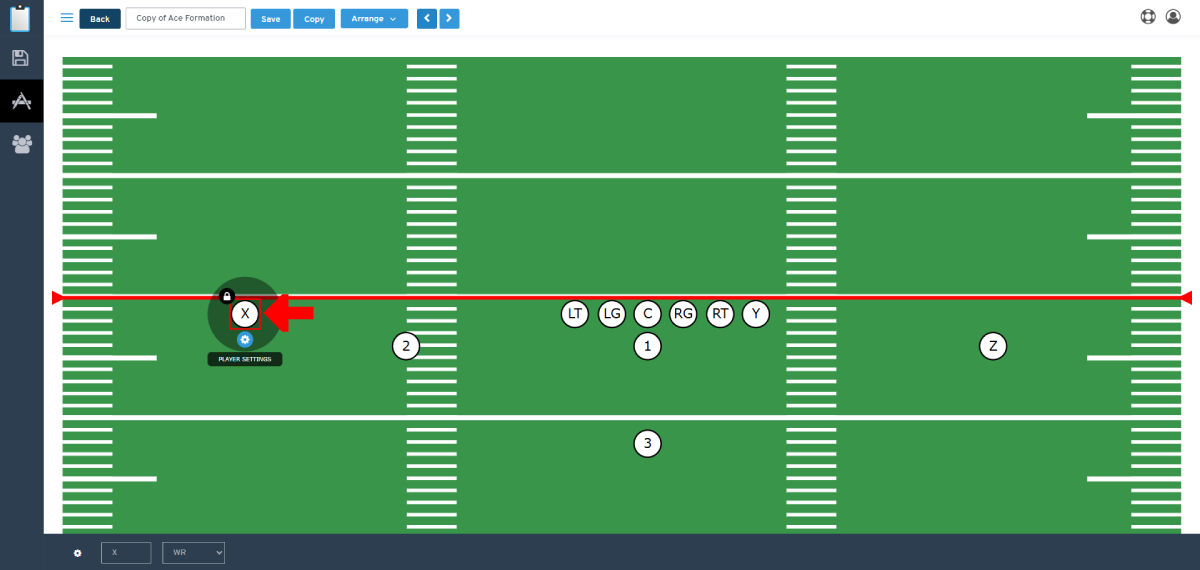
Feature: Access Player Toolbar
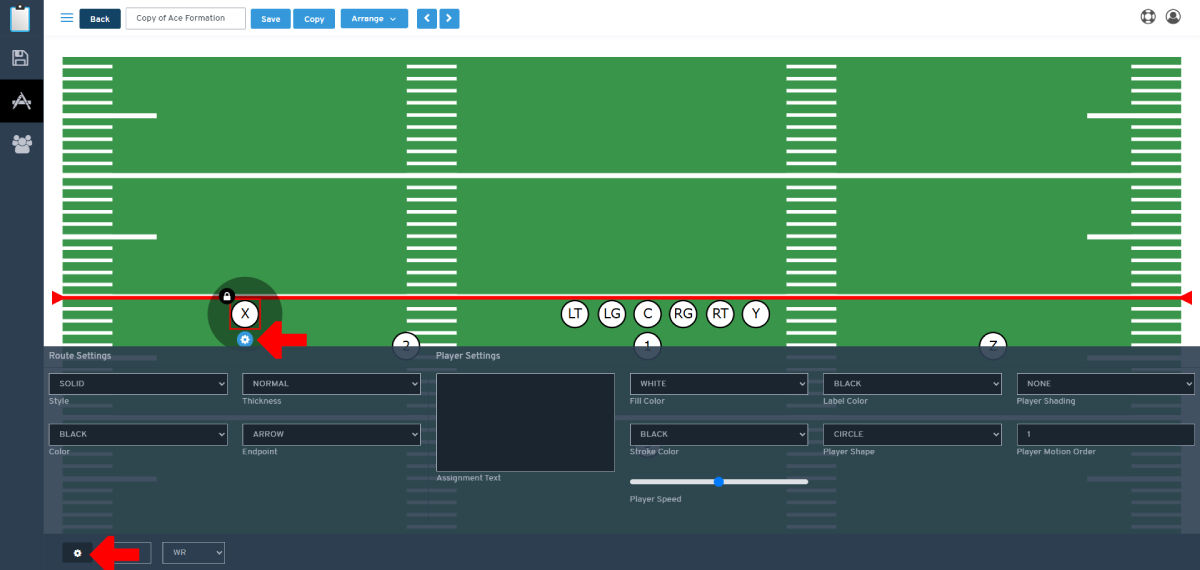
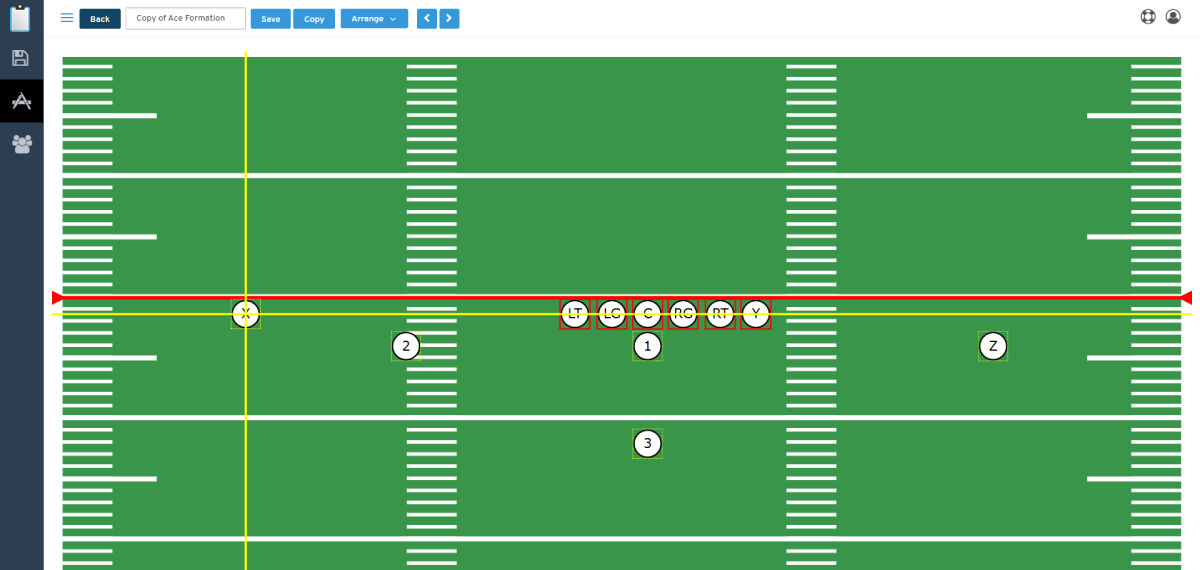
Feature: Player Positioning and Alignment
Related Articles
Published by CoachYouths Staff on 06/22/2026
You are NOT currently logged in, you may login or signup for FREE at any time: